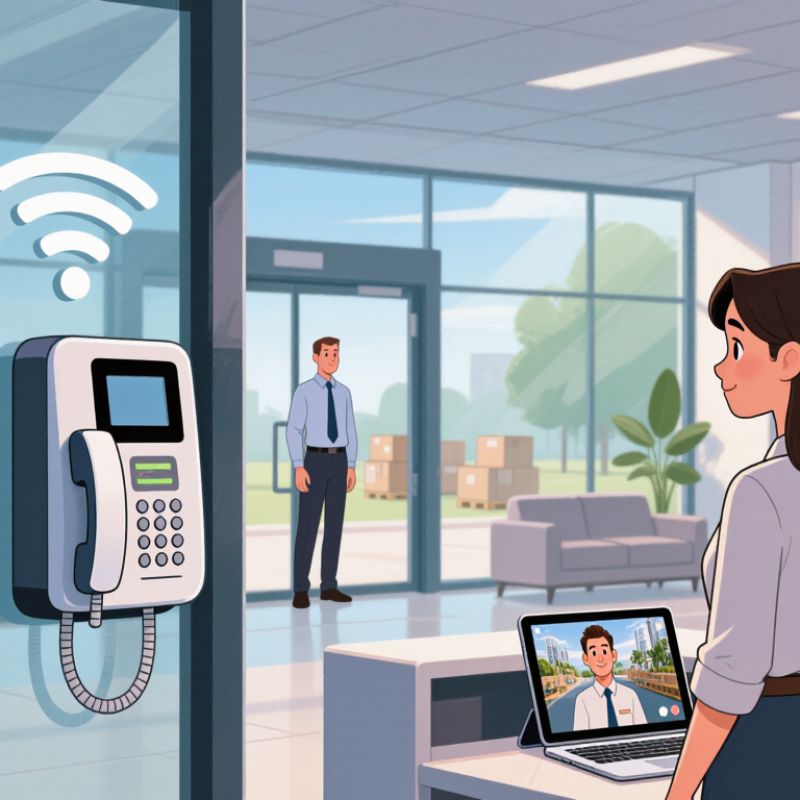
| Communication between rooms or work areas | Connects compatible interphone devices over a wireless local network, allowing staff to speak without walking between locations. | A receptionist contacts a back-office team member from the front desk. | Reliable communication depends on WiFi coverage and network performance in each area. |
| Visitor and delivery coordination | Provides a way to communicate with a person at an entry point before staff decide how to respond. | A delivery driver calls the receiving area from a service entrance. | Confirm that the chosen system supports the required call points and any needed two-way audio. |
| Hands-free communication | Some systems support hands-free calling, which can help staff communicate while carrying out tasks. | Warehouse staff coordinate a stock movement while keeping their hands available. | Hands-free features vary by device; check microphone range and noise handling for the environment. |
| Communication across multiple departments | Configured call groups or extensions can help route calls to the relevant team, where the system supports these features. | A service desk contacts maintenance or facilities staff. | Review call routing, group setup, and the maximum number of supported devices before deployment. |
| Reducing reliance on personal phones | Dedicated interphone endpoints can provide shared communication access in common work areas. | Employees use a shared device to reach another department rather than exchanging personal numbers. | Set clear rules for device access, call handling, and who is responsible for configuration. |
| Communication in larger or changing premises | Wireless connectivity may make it easier to add or relocate devices than a system that requires new dedicated cabling for every endpoint. | A growing office adds a communication point in a newly assigned room. | Devices may still require power, and WiFi coverage should be tested at proposed locations. |
| Coordinating routine operational tasks | Direct voice communication can support quick updates without relying on email or written messages for time-sensitive coordination. | A clinic team member asks another department to prepare a room. | Use the system for suitable operational conversations, not as a substitute for required records or emergency procedures. |
| Maintaining dependable communication | A network-connected system can provide convenient day-to-day calling when the local network and devices are available. | Staff contact a reception or operations point during normal business hours. | Plan for network outages, power loss, device maintenance, and an alternative communication method where needed. |



 Close
Close